Recertification Overview
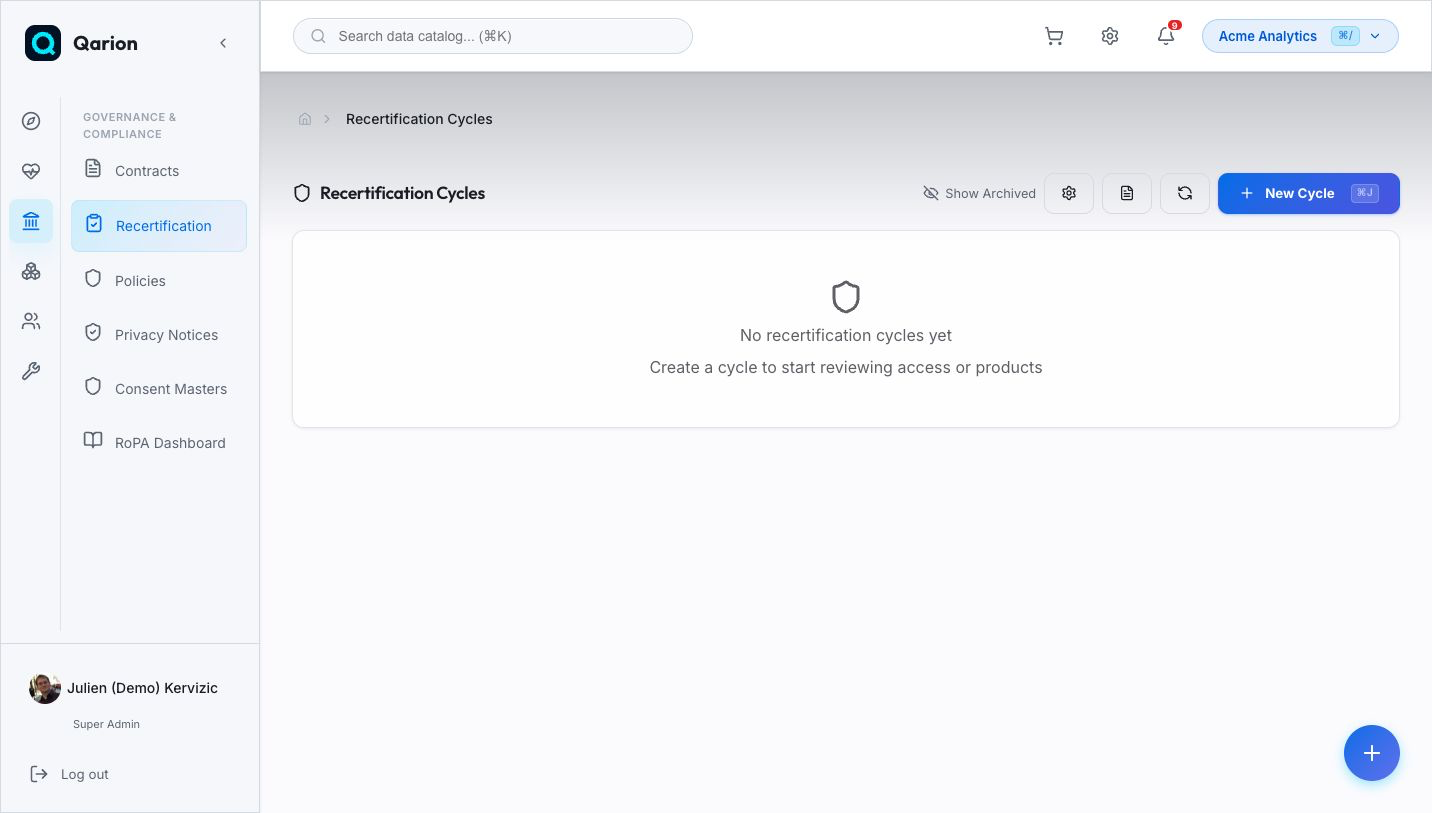
Recertification cycles provide a periodic, auditable process for reviewing and re-approving access rights and data product ownership. They ensure that every resource is reviewed within a defined window, keeping your organization compliant and access hygiene up to date.
Why Recertification?
Over time, access grants accumulate and data product ownership drifts. Users change teams, projects end, and responsibilities shift — but the permissions remain. Recertification addresses this by enforcing periodic reviews that verify whether existing access and ownership are still appropriate.
Benefits include:
- Compliance readiness — Demonstrate to auditors that every resource is reviewed on schedule
- Access hygiene — Remove stale permissions and outdated ownership assignments
- Accountability — Every decision is tracked with timestamps and reviewer identity
- Risk reduction — Surface high-criticality resources that require attention
Key Personas
| Persona | Role | What They Do |
|---|---|---|
| Space Admin | Cycle Owner | Creates cycles, configures filters and templates, monitors progress |
| Data Steward | Reviewer | Reviews individual audit items — approves or rejects each resource |
| Compliance Officer | Auditor | Verifies that every resource was reviewed within the cycle window |
Cycle Types
Recertification supports two cycle types that determine which resources are scanned and reviewed.
Product Cycles
A Product cycle (product) scans all non-archived data products in the space. Each audit item represents a single data product that needs re-certification. Use product cycles for periodic ownership reviews, data catalog hygiene, and classification validation.
Access Cycles
An Access cycle (access) scans all source system roles in the space. Each audit item represents a single source system role (e.g., "analyst_readonly" on Snowflake). Use access cycles for compliance-driven role reviews, least-privilege enforcement, and regulatory requirements such as GDPR or SOX.
Lifecycle
Every recertification cycle moves through a defined set of states:
open → in_review → completed
         ↘ cancelled
| Status | Meaning |
|---|---|
| Open | Cycle is active — audit items can be populated or added |
| In Review | Frozen for review — reviewers are making approve/reject decisions |
| Completed | All items decided — the cycle is read-only |
| Cancelled | Cycle was aborted before completion |
A cancelled cycle can be reopened to resume the review process.
Audit Item Statuses
Each audit item within a cycle tracks the decision for a single resource:
| Status | Meaning |
|---|---|
| Pending | Awaiting review |
| Approved | Resource is re-certified — no action needed |
| Rejected | Resource failed review — follow-up action required |
| Expired | The review window passed without a decision |
How It Works
The typical recertification flow is:
- Create — A Space Admin creates a new cycle, choosing a type and due date
- Configure — Optionally set filters (tags, product type, criticality) to scope the review, and define request templates
- Populate — The system scans the space and creates audit items for each matching resource
- Review — Stewards review each audit item, approving or rejecting resources
- Recertify — For items that need formal re-approval, recertification requests are created and routed through the workflow system
- Complete — Once all items are decided, the cycle is marked as completed
Integration with Workflows
Cycles can be linked to a workflow definition. When a recertification request is created for an audit item, it is automatically routed through that workflow — enabling multi-step approvals, governance-based routing, and full audit trails.
Integration with Access Requests
Recertification requests are a special type of access request. When an approver approves or rejects a recertification request, the corresponding audit item's status is automatically synchronized. This means the cycle detail page always reflects the current state of each review.
Learn More
- Managing Cycles — How to create, configure, and run recertification cycles
- Reviewing Audits — How to review audit items and make decisions
- Programmatic Access — Manage cycles via CLI, SDK, and MCP
- Access Governance — Understanding the broader access model
- Workflows — How approval workflows are configured